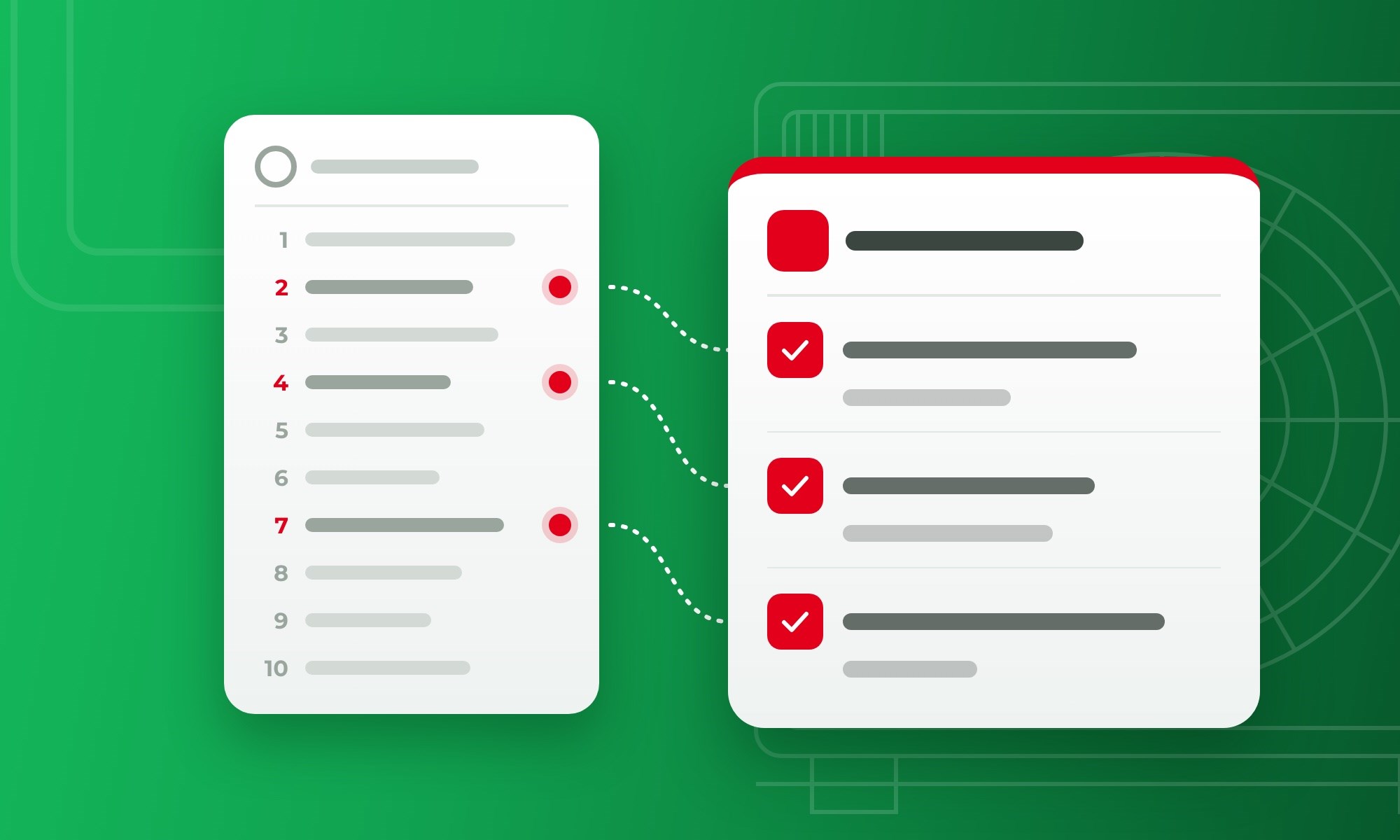



Google AI Mode for HVAC companies now links to booking and quote forms through four partners: Jobber, Housecall Pro, Angi, and Thumbtack. Most owners hear “AI booking” and expect a new ad to buy. There is no bid. The button comes through your booking software or a marketplace profile you already have.
That’s why our AI SEO services for HVAC companies start with your profile, reviews, and booking setup. We jump in before the button goes live, because it only helps a company Google already trusts.
In this blog, we cover which tools connect, how to get ready, and what it means for your lead spend. Set it up now, and the next booking can arrive while your phones are busy.
What Is Google AI Mode, and What Changed for HVAC Booking in November 2026?
Google AI Mode is the chat-style tab in Google Search, and in November 2026 it started showing booking and quote buttons for home services. A homeowner opens it with the AI Mode button on Google or at google.com/ai. They type a full question, such as “who can replace my furnace this week,” and get a written answer with links.
Google calls AI Mode its most powerful AI search experience. It differs from AI Overviews, the short AI summary at the top of the regular results page.
In AI Mode, the written answer is the main result, so a business named in that answer gets seen first. That shift is part of how local SEO works in 2026, where Google Maps, reviews, and AI answers all feed the same decision.
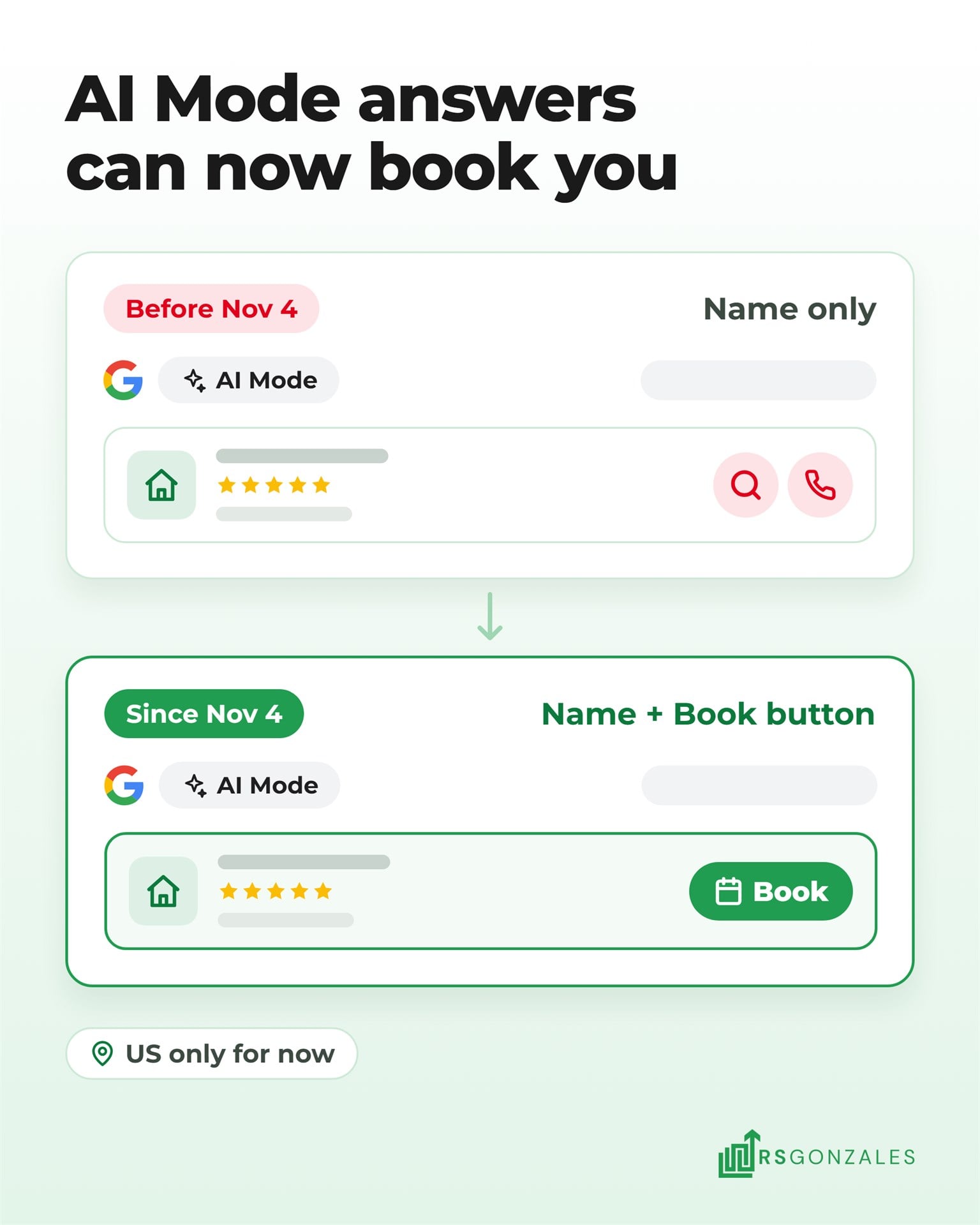
On November 4, Robby Stein, Google’s VP of Product for Search, announced booking links for home services in AI Mode. Here is what he named:
- US only for now. The feature launched in the United States.
- Four partners at launch. Angi, Thumbtack, Housecall Pro, and Jobber.
- ServiceTitan is “coming soon.” Google gave no date.
It is one of several 2026 changes that belong in your 2027 HVAC marketing plan.
How a Homeowner Books an HVAC Company Inside Google AI Mode
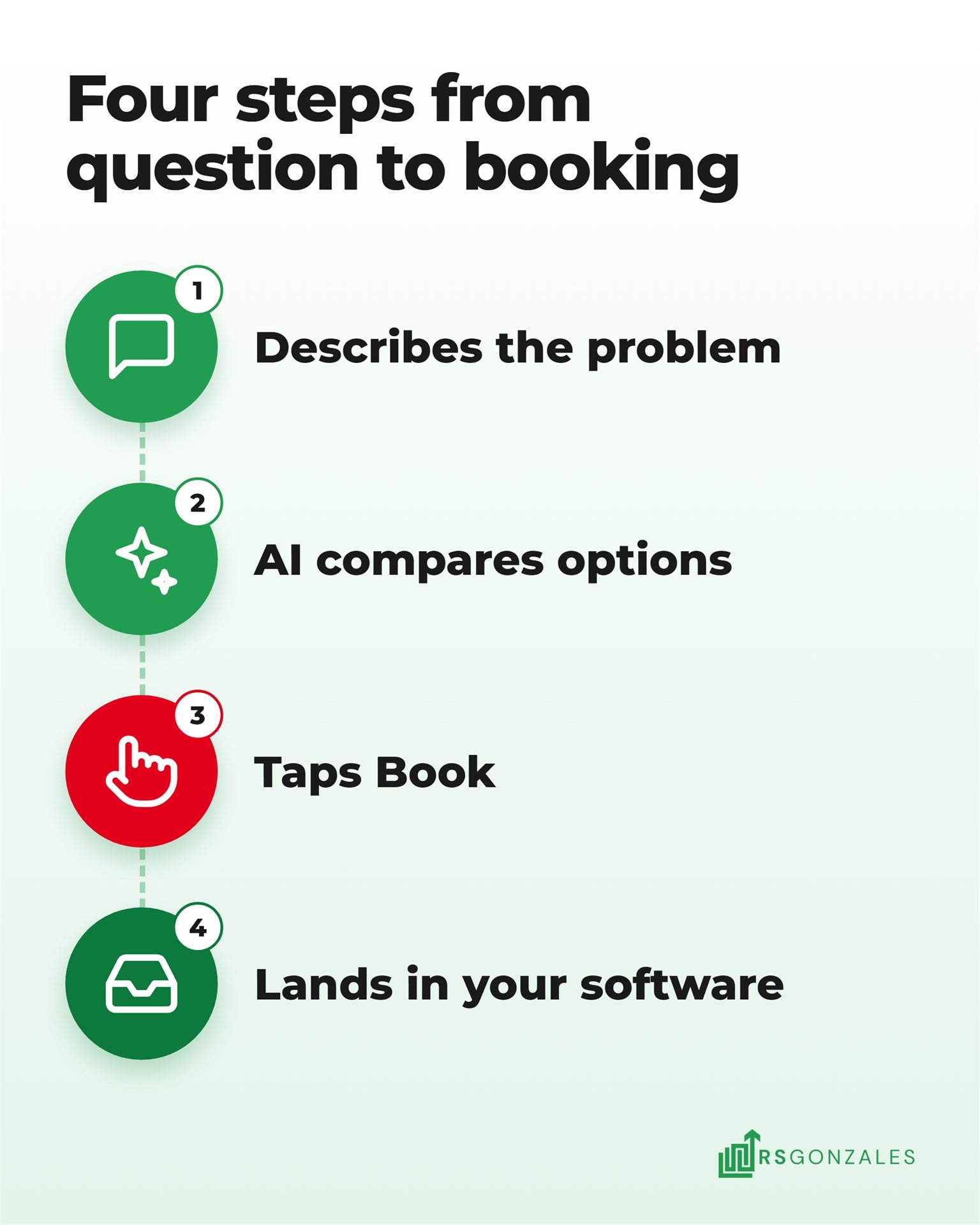
A homeowner books an HVAC company inside Google AI Mode in four steps, as far as Google and its partners have published them:
- The homeowner describes the problem. “My AC is blowing warm air, who can come out tomorrow?”
- AI Mode compares local options. It writes an answer that lists businesses, with ratings and short descriptions.
- The homeowner taps a button on a listing. Depending on the partner, it books a time or opens a quote request.
- The request lands in your software. Jobber and Housecall Pro send it to your inbox like any other online booking.
Search Engine Journal’s coverage shows how much is still unpublished. Two questions have no public answer yet:
- How Google picks the businesses it lists. Google’s announcement doesn’t say.
- How Thumbtack’s version works. Thumbtack had announced no AI Mode plan by November 4.
Which HVAC Booking Tools Connect to Google AI Mode?
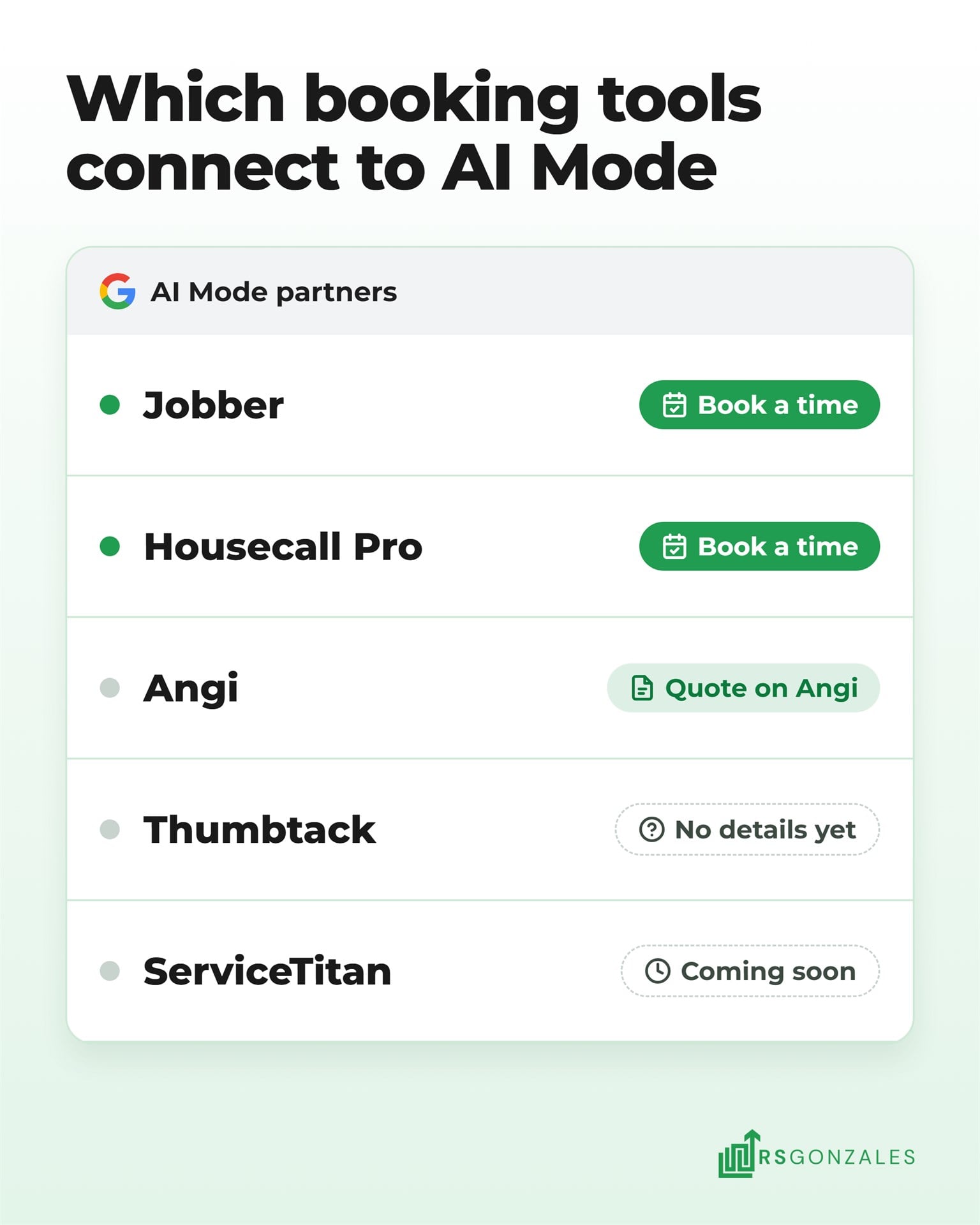
Five tools are part of Google AI Mode booking so far, and each one connects differently. The table compares what each partner has published about its status, what the homeowner can do, and what you need in place:
| Tool | Status in AI Mode (November 2026) | What the homeowner can do | What your HVAC company needs |
|---|---|---|---|
| Jobber | Live for eligible US businesses | Book a time or send a request through your Jobber form | A paid plan (no trial), your Google Business Profile connected at the same address, and a form assigned to Google |
| Housecall Pro | Named by Google. Its partner page says live, and its press release says coming soon | Book a time pulled from your calendar | A Housecall Pro account. Housecall Pro says no Google Business Profile is required |
| Angi | Named by Google | Request a quote on your Angi profile | An Angi pro profile |
| Thumbtack | Named by Google, no details published | Not published yet | A Thumbtack profile |
| ServiceTitan | Coming soon, according to Google | Not available in AI Mode yet | Reserve with Google already lets homeowners book you from Search and Maps |
The setup details come from Jobber’s AI Mode help page and Housecall Pro’s announcement, as of November 2026. Unlike Jobber and Housecall Pro, Angi sends the homeowner to its own profile page first, so the conversation starts on Angi’s platform rather than yours.
Does a Booking Button Get Your HVAC Company Recommended by Google’s AI?
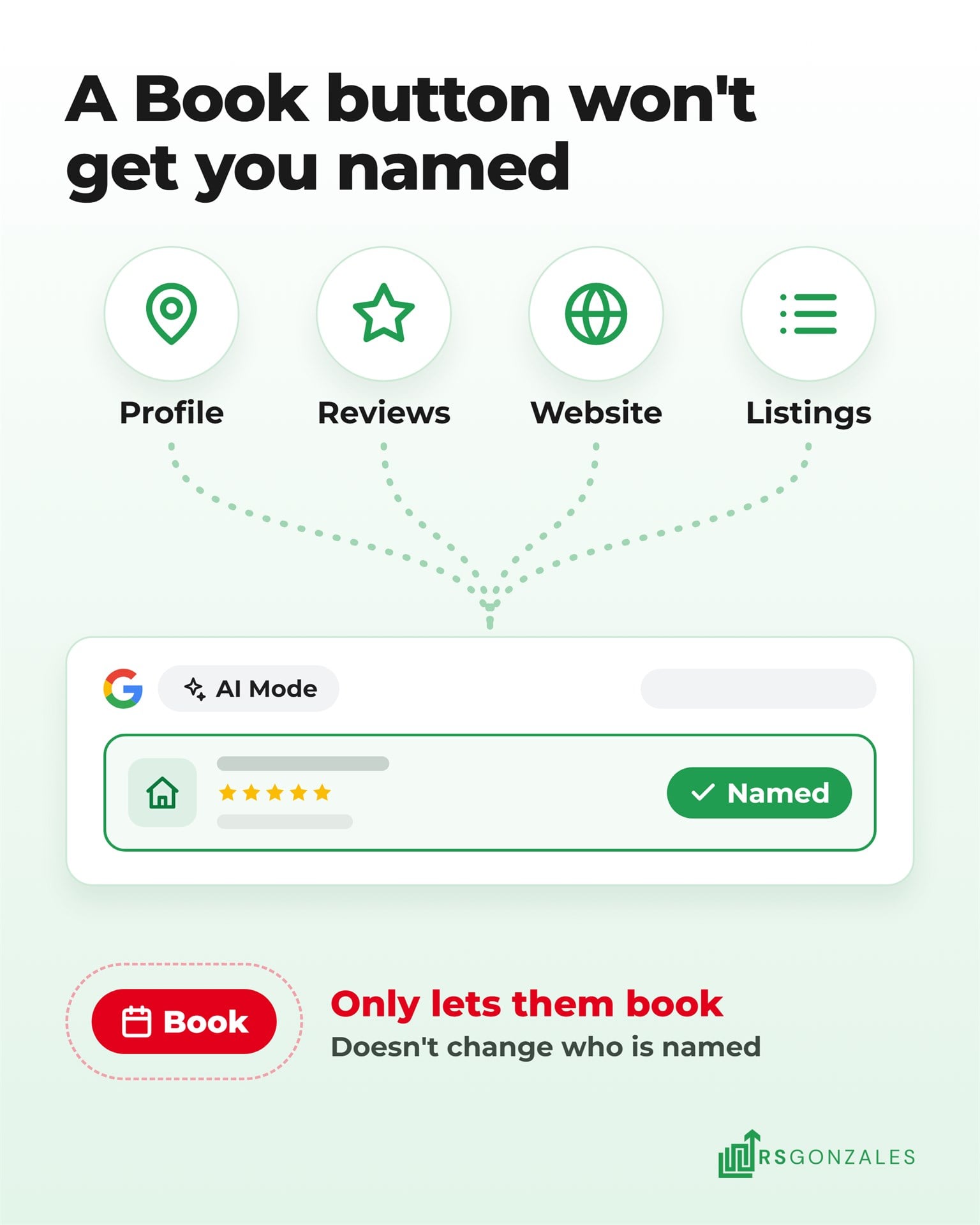
A booking button does not get your HVAC company recommended by Google’s AI, and nobody has shown that it does. Jobber’s help page says reviews and a booking form help AI Mode recommend a business more often. That is Jobber’s advice, and Google hasn’t confirmed it.
The button lets a homeowner act on an answer. It does not change which companies the answer names. ChatGPT draws the same line. A ChatGPT ad and a ChatGPT recommendation sit in different spots, with the paid one under the answer and the earned one inside it.
Being named still comes from the same places AI search for HVAC already reads:
- Your Google Business Profile. The services, hours, service area, and photos Google can check.
- Your reviews. How many you have, how recent they are, and what customers say about the work.
- Your website. Pages that say what you do and where, in words a machine can quote.
- Your details everywhere else. The same name, address, and phone number on every directory.
In our study of 835 HVAC contractors, the companies AI named most often had a solid profile, plenty of recent reviews, and a working website. Getting recommended by AI starts with those three. An HVAC website that ranks on Google and AI does double duty, because AI Mode reads the pages Google Search indexes.
How to Get Your HVAC Company Ready for Google AI Mode Bookings
Download This Section as a PDF
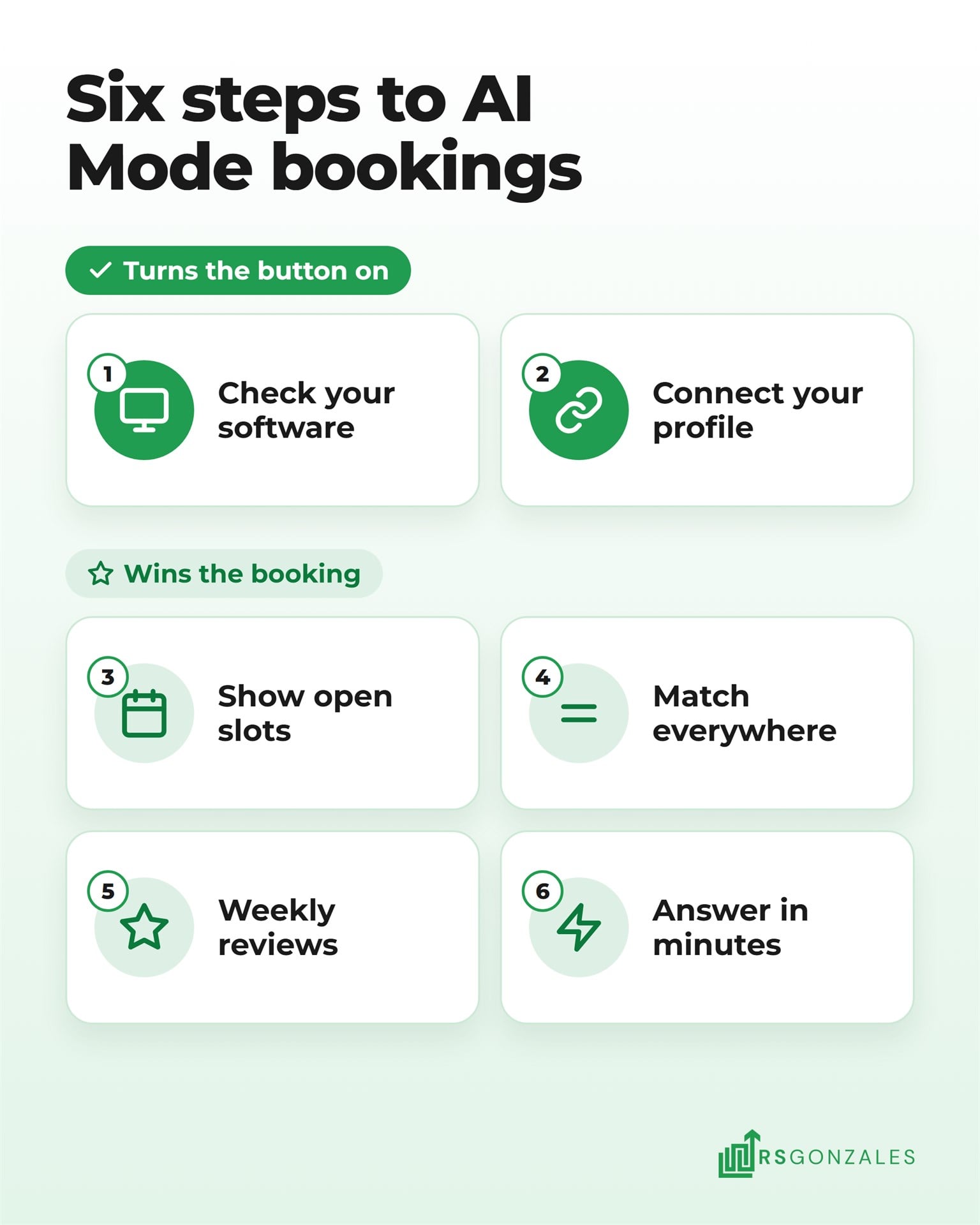
Getting ready for Google AI Mode bookings takes six steps, most of them inside tools you already run. The first two switch the booking button on, and the other four help homeowners choose you and keep the bookings they make.
1. Check Whether Your Field Service Software Connects to AI Mode
Your field service software is the program your office uses to schedule jobs and dispatch technicians. Start by finding out where it stands:
- Jobber. Your default request form connects to Google automatically, so the work is in matching your profile.
- Housecall Pro. Ask support whether your account is enrolled yet, since Housecall Pro says every pro gets AI Mode at no extra cost.
- ServiceTitan. Set up Reserve with Google now, and watch for the AI Mode launch.
- Anything else. There is no direct AI Mode booking yet, so your profile and website carry the load.
Whatever you run, an HVAC CRM that syncs with ServiceTitan, Housecall Pro, Jobber, and FieldEdge keeps AI Mode bookings in one place with your other leads.
2. Connect Your Google Business Profile at the Same Address
Jobber matches your account to Google through your Google Business Profile, and the address has to match exactly. Jobber’s setup asks you to:
- Connect the profile. In Jobber, go to Marketing, then More, then Google Profile, and sign in to Google.
- Turn on “Help clients find my business.” It sits in Company Settings.
- Pick your address from the suggestions. Typing it freehand can create a mismatch with Google Maps.
- Check your phone number and website. Both should match the profile word for word.
Jobber says the Book Online button usually appears within a few days. Housecall Pro says its pros need no profile at all, but Google Business Profile optimization still decides whether you show up in the answer.
3. Offer a Booking Form With True Availability, Not Only a Request Form
HVAC online booking works when the times a homeowner sees are times your team can keep. Jobber recommends a booking form over a request form, so people pick a slot instead of waiting for a callback. Housecall Pro pulls open slots from your calendar.
That makes your calendar part of your marketing. If dispatch blocks out a full day of installs, the calendar should show it. A homeowner who books Thursday at 9 expects a truck in the driveway Thursday at 9. The same goes for the booking form on an HVAC website built to book calls, so both show the same openings.
When the schedule is full, switching off “Help clients find my business” in Jobber takes you out of AI Mode until you turn it back on.
4. Match Your Services and Service Area Everywhere Google Looks
AI Mode compares businesses using what it can read about them. Your services and towns should read the same on your Google profile, your website, your booking software, and every directory. A furnace replacement that is listed on your website but missing from your profile gives Google two different answers.
Start with the profile categories and services, using these steps to optimize an HVAC Google Business Profile. Then fix your name, address, and phone number across directories with local citation building for HVAC contractors. Schema markup is code that labels your services and service area for machines, so AI reads your website in the same terms.
5. Keep Google Reviews Coming In Every Week
AI Mode checks reviews when it compares local companies, so each new review adds to what it can say about your work. Jobber names regular reviews as one of the two things that help AI Mode recommend a business. A steady flow beats a burst, because recent reviews show the company is busy now.
Ask after every finished job, by text, while the technician is still in the driveway, and keep every ask inside Google’s review rules. HVAC reputation management turns that ask into a habit your office runs every week.
6. Answer AI Mode Bookings as Fast as a Phone Call
An AI Mode booking is a homeowner who chose you a minute ago. Treat it like a ringing phone:
- Confirm the slot within minutes. Jobber can auto-confirm assessment bookings or hold them for your approval.
- Give one person the inbox. Requests that land in a shared inbox wait the longest.
- Answer the phone too. AI Mode can call local businesses for a homeowner to ask about details that aren’t online, like open appointment times.
Speed matters on every channel. Since October, missed Local Service Ads calls can cost you a lead fee, and the same phone coverage protects your AI Mode bookings.
See How Our AI SEO Works for HVAC Companies
What Google AI Mode Booking Means for Your Angi, Thumbtack, and Local Service Ads Spend
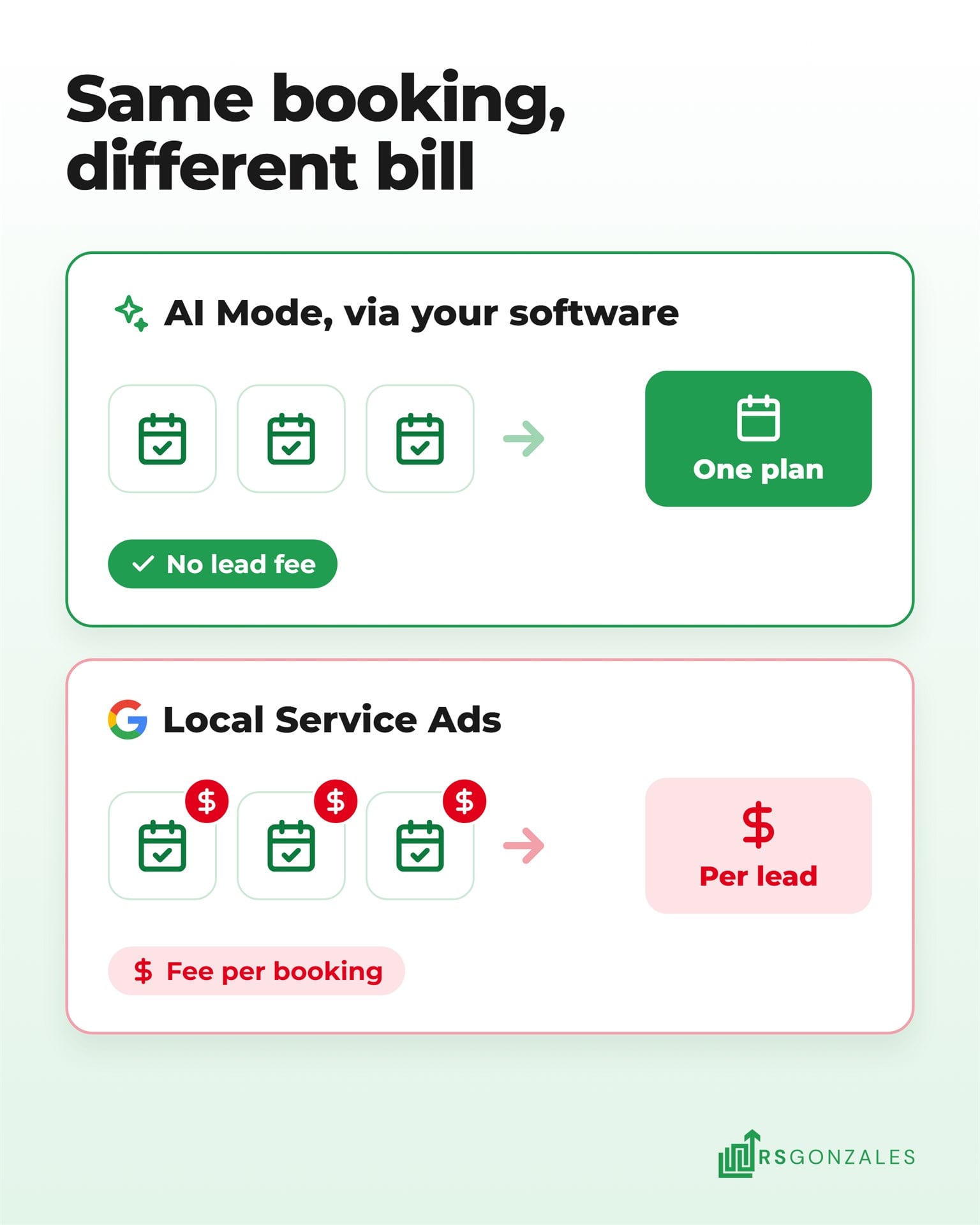
Google AI Mode booking carries no lead fee through Jobber or Housecall Pro, while Local Service Ads count a booking request as a paid lead. Jobber and Housecall Pro list these prices on Jobber’s pricing page and Housecall Pro’s pricing page, as of mid-November 2026.
| Where the booking comes from | How you pay | What it costs |
|---|---|---|
| AI Mode through Jobber | Monthly software plan, no lead fee | From $49 a month with no commitment ($29 a month billed annually) |
| AI Mode through Housecall Pro | Monthly software plan, no lead fee | From $79 a month billed monthly ($59 a month billed annually) |
| AI Mode through Angi | Angi charges pros for matches | Angi hasn’t said whether AI Mode quote requests carry its fees |
| AI Mode through Thumbtack | Not published | Not published |
| Local Service Ads | Per lead, including booking requests | Set by your market and trade |
Google’s own help page lists booking requests as a charged Local Service Ads lead in the US and Canada. A booking through Jobber or Housecall Pro in AI Mode carries no lead fee, so it can lower your cost per booked job.
That is not a reason to switch off Google Local Service Ads. Local Service Ads sit at the top of Google for emergency searches. Their move into Google Ads is still changing how they are managed.
AI Mode bookings are new, and nobody can yet say how many an HVAC company will get. Run both, track bookings by source, and move money only once AI Mode shows its numbers.
Should You Set Up Google AI Mode Booking Yourself or Hand It Off?
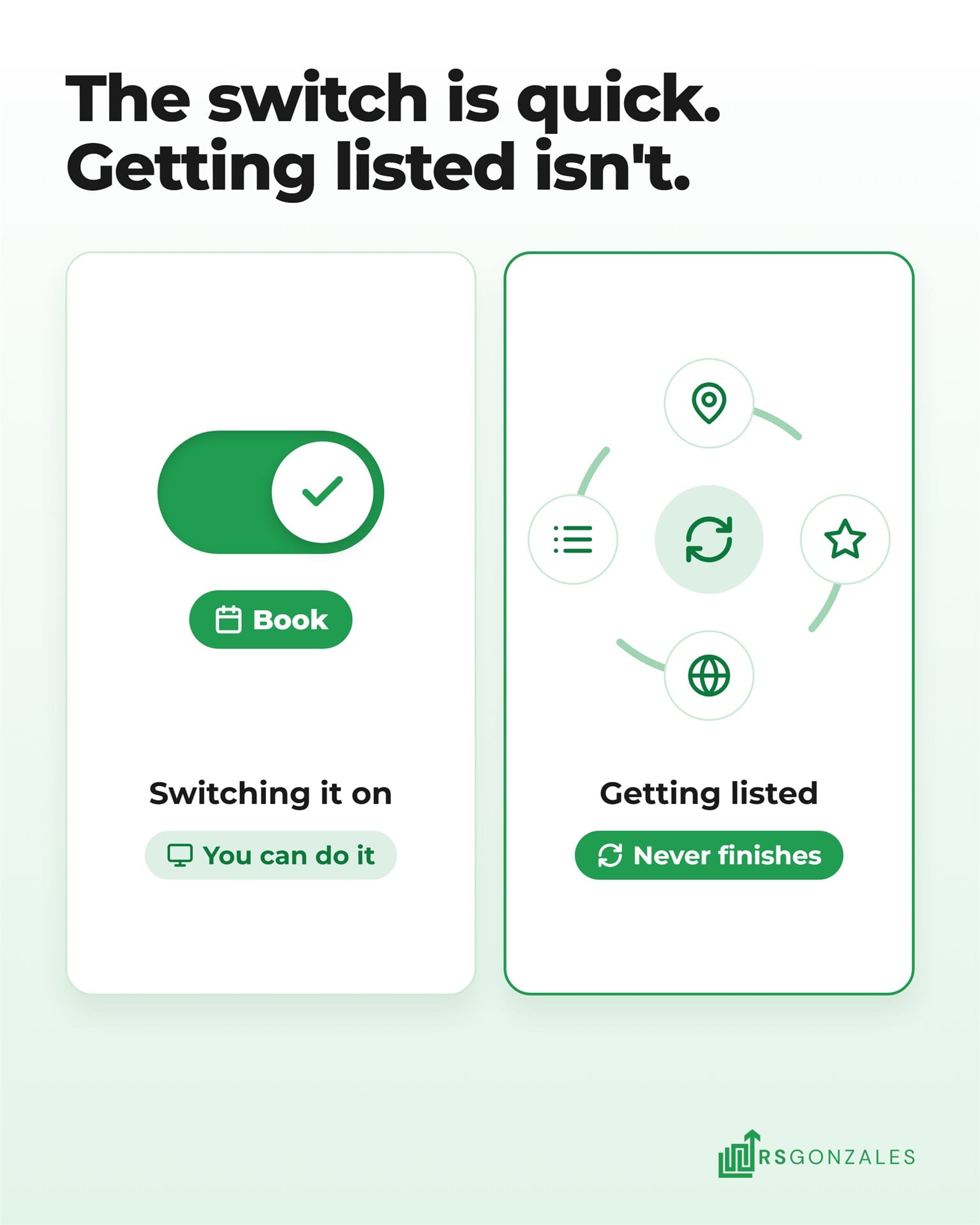
The booking connection itself is a setting in your software, and most owners can switch it on themselves. The harder part is being the company AI Mode lists, and that work never finishes.
Setting Up AI Mode Booking Yourself Versus Hiring Help
Doing it yourself makes sense when your software already connects and someone in the office owns your Google profile and reviews. This table weighs what each route gives you and what it leaves out:
| What you weigh | Doing it yourself | Hiring help |
|---|---|---|
| Cost | No fee beyond your software plan | A monthly fee on top of the software |
| Time | A few settings to connect, then weekly review requests and profile checks | A short setup call, then a monthly report |
| Control | You set every form, slot, and listing yourself | You approve changes, and the team makes them |
| Being listed | Depends on how much profile, review, and citation work you keep up | Profile, reviews, citations, and website worked on together |
| Tracking | Bookings sit in your software, apart from calls and ad leads | Every booking, call, and form counted by source in one place |
Hand it off when nobody in the office keeps your profile and reviews current. A team also helps when you can’t tell which channel booked last month’s jobs.
Why HVAC Owners Hand AI Search and Booking to RS Gonzales
The button is the easy part. What decides whether homeowners can book you is how the rest of your setup supports it:
- We build the entity foundation first. Your profile, website, and directory listings get matched so they describe the same work in the same places.
- We turn reviews into AI signals. Review requests go out after every job, so recent reviews keep coming in.
- Your bookings land in one CRM. Our managed CRM is included in every plan and syncs with ServiceTitan, Housecall Pro, Jobber, and FieldEdge.
- We tell you what we can’t promise. Nobody can guarantee an AI listing, so we report what moved each month.
Our plans start at $2,200 a month, run month to month, and are listed on our HVAC marketing pricing page.
What HVAC Owners Should Take Away About Booking Through Google AI Mode
You get your HVAC booking tool into Google AI Mode by running partner software, connecting your Google profile, and showing true availability. Today that means Jobber, Housecall Pro, Angi, or Thumbtack, with ServiceTitan coming soon. The button only works for a company Google already lists, so your profile, reviews, and website still decide who gets booked.
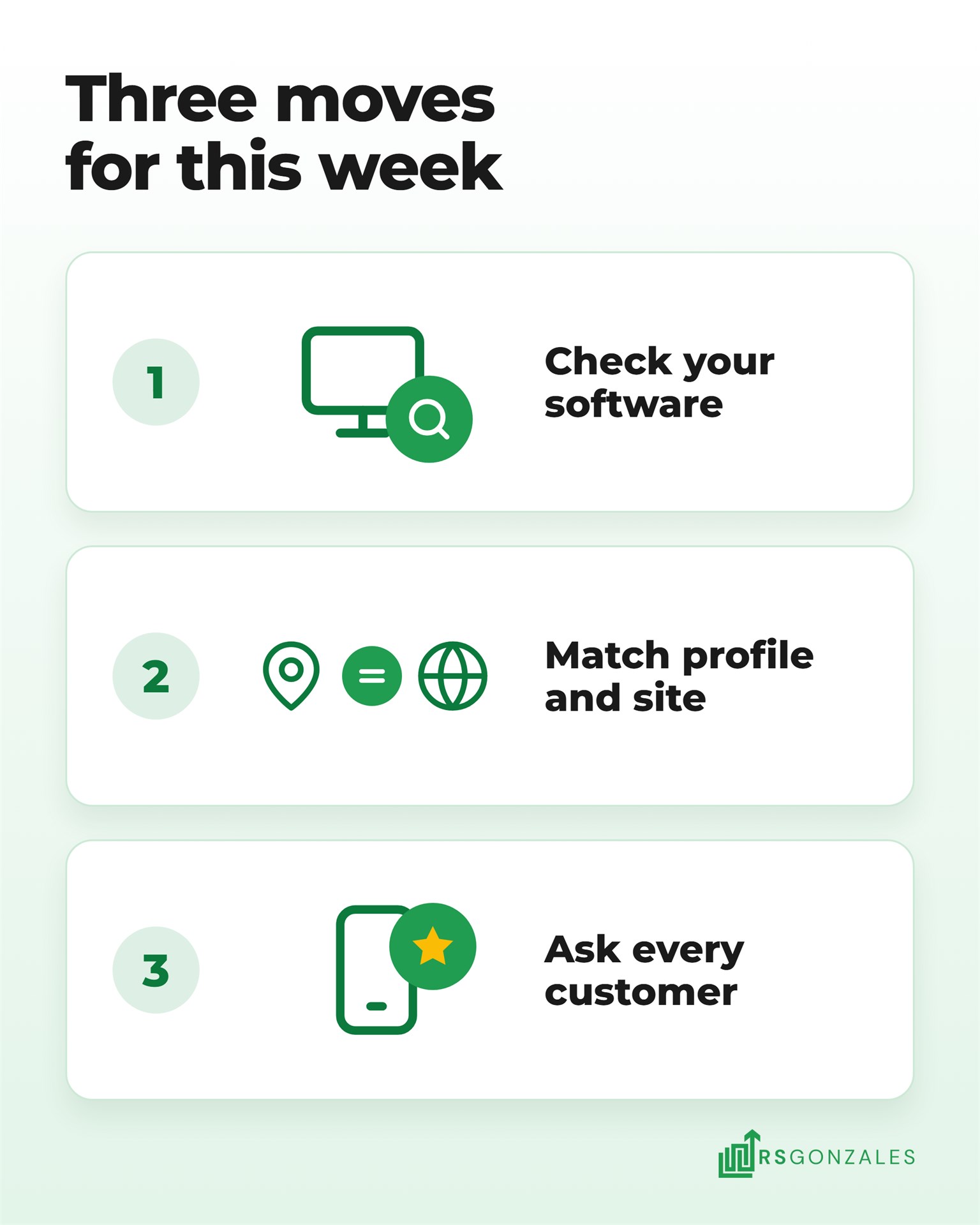
Start with these three steps:
- Find out where your software stands this week. The answer decides whether booking in AI Mode is possible for you at all. Log in to your field service software and search its help center for “AI Mode.”
- Make your Google profile match your website. AI Mode compares what it reads in both places, and a mismatch weakens both. Open your profile and your services page side by side, and fix any service or town missing from either one.
- Ask every customer from this week for a review. Reviews are the one step on this list you can repeat every week, so the work keeps adding up after setup is done. Send each one a text with your review link the day the job closes.
Booking buttons in AI Mode launched in November 2026, and Google has already named ServiceTitan as the next partner. An HVAC company that prepares now can capture those bookings from day one.