



It can do that job without you. Now that Meta Advantage+ is the default, some of its AI tools that rewrite text and edit photos come switched on. Most owners set up HVAC Facebook ads once and never reopen the settings, so those edits run unseen. The fix is to let Meta’s AI find the people and keep your hands on the words, the images, and where each lead goes.
That’s why our HVAC Facebook ads management starts with the settings, because a default that changes your ad stays changed until someone looks. In this blog, we cover Meta’s new defaults, the settings worth keeping, and how to tell if your Facebook ads for HVAC contractors book jobs.
What Changed When Meta Advantage+ Became the Default for HVAC Lead Campaigns?
HVAC Facebook ads changed when Meta made Advantage+, its automation setting, the default for every new leads campaign. Meta’s Advantage+ leads guide states it in one line: “All campaigns for the leads objective will be Advantage+ On by default.” A leads campaign is the kind HVAC companies use to collect a name and phone number from homeowners who want a quote.
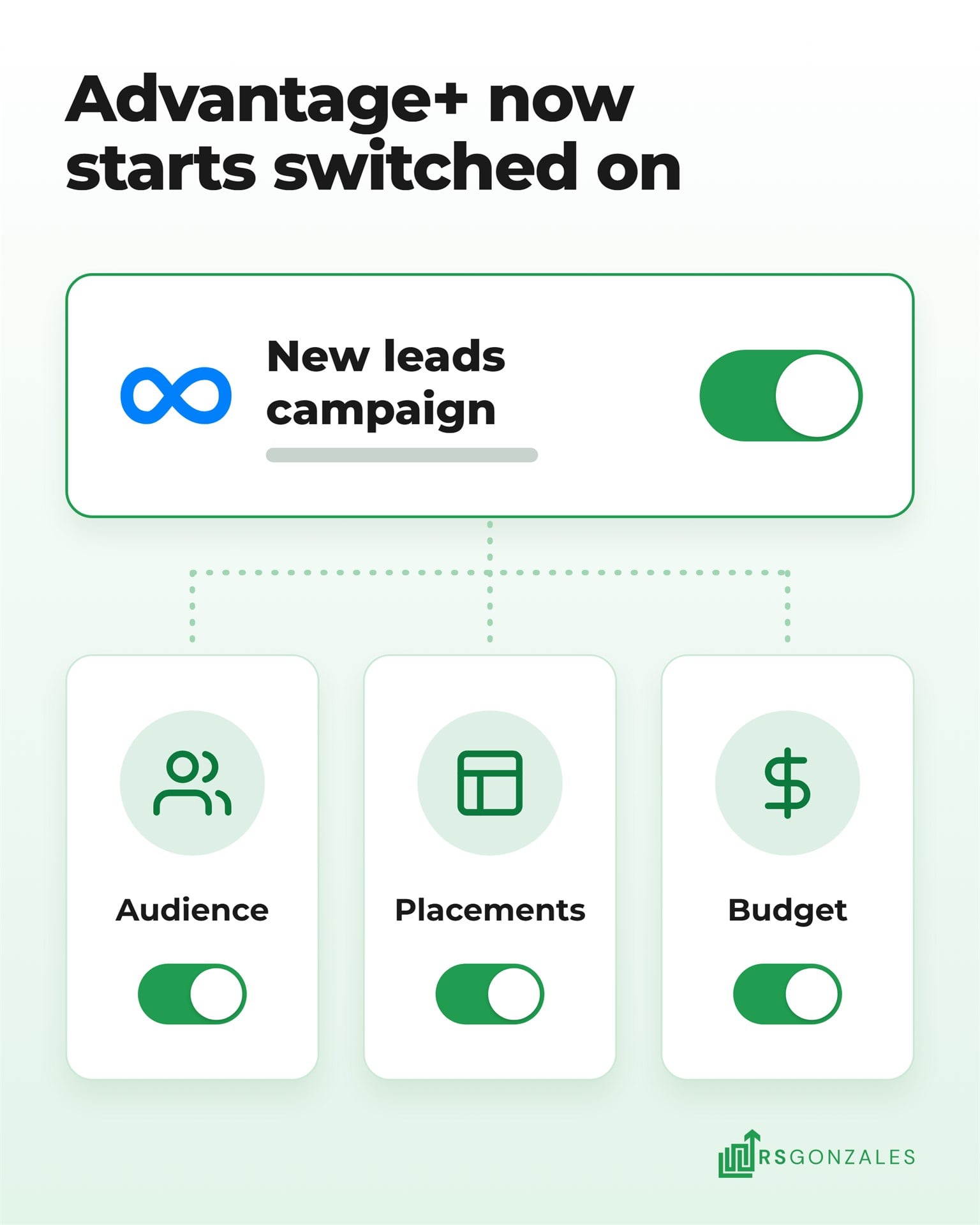
With Advantage+ on, Meta switches on three automated settings at once:
- Advantage+ audience. Meta’s AI chooses who sees your ad, using your choices as a starting point.
- Advantage+ placements. Your ad can run everywhere Meta sells ad space.
- Advantage+ campaign budget. Meta moves your budget toward the ad sets it expects to bring the most leads for the money.
None of this changes which jobs belong on Facebook. Replacements, heat pumps, financing offers, and indoor air quality still fit best. Splitting your HVAC ad budget between Google and Meta sorts out the rest.
Emergency repairs still belong with Google pay-per-click ads for HVAC, which reach people already searching. Facebook lead ads are still one of the paid ad types that win HVAC leads. What changed is how much of the setup Meta now does for you.
What Meta’s AI Now Does to Your HVAC Facebook Ads by Default
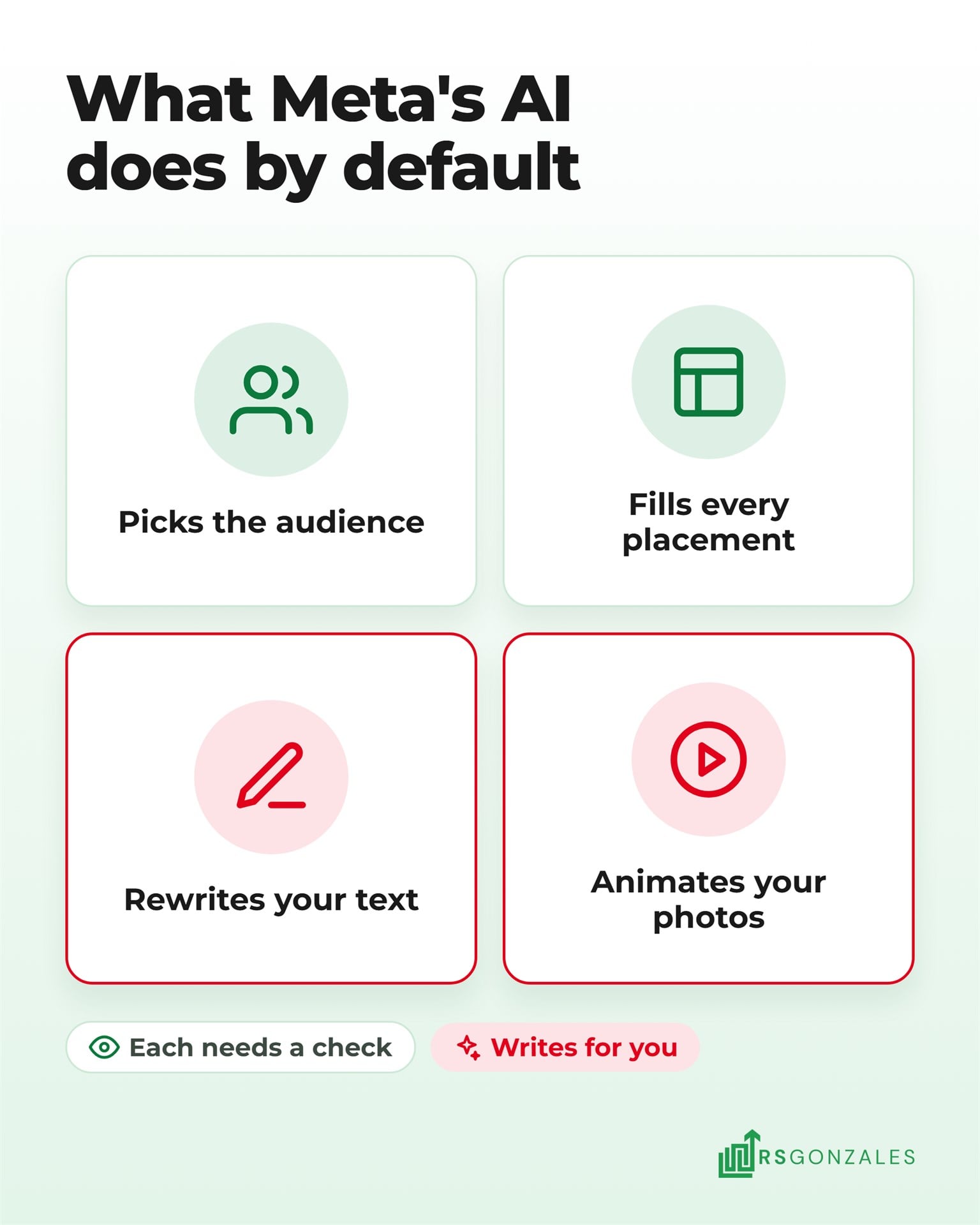
By default, Meta’s AI now picks the audience, chooses placements, rewrites your text, and animates your photos. Each one can help, and each one needs a check. Meta’s AI aims for the most leads for your budget, and it can’t see which leads become booked jobs unless you tell it. These changes are also why Meta belongs in your 2027 HVAC marketing plan as a channel you review every month.
1. Meta Treats Your HVAC Audience Choices as Suggestions
Advantage+ audience treats most of your targeting as a suggestion and shows your ad to other people when it expects better results. Meta’s audience page splits your inputs into two kinds:
- Suggestions Meta can go past. Age range, gender, interests and other detailed targeting, and custom audiences such as a list of past customers.
- Controls Meta keeps. Location, minimum age, language, and the lists you choose to exclude.
For an HVAC company, the control that matters most is location. Set your service area as a location control, by ZIP code or by radius around your shop. Meta then stays inside the towns your trucks cover, even while it tests who inside them responds.
2. Meta Shows Your HVAC Ads on Every Placement It Has
A placement is a spot where your ad can appear. Advantage+ placements spread your ad across Facebook, Instagram, and Messenger. They also reach Meta Audience Network, the apps and websites outside Meta that run its ads.
Meta’s leads page says placements must stay on for a campaign to count as Advantage+. Turning placements off takes the whole campaign out of Advantage+. Leave them on, and check each month which placements bring booked jobs instead of form fills.
3. Meta Can Rewrite Your HVAC Ad Text and Edit Your Images
Advantage+ creative is Meta’s set of AI tools that change your ad after you write it. Meta’s creative page lists text generation, image expansion, image generation, and image touch-up among them. It also says “Some enhancements may be turned on by default.”
Here is what to watch for:
- Text you didn’t write. An AI line can promise something your company doesn’t offer, like a same-day install.
- Images that change shape. Image expansion can stretch a photo of your truck or technician to fit a new size.
- Previews that miss versions. Meta says its previews are not “an exhaustive list” of every variation it may run.
Every feature that uses AI carries an AI logo under its name in Ads Manager, Meta’s dashboard for creating and tracking ads. Your ad copy is part of your HVAC brand, so switch off any feature that writes words for you.
4. Meta Can Turn an HVAC Photo Into a Moving Ad
Meta’s creative tools include image animation and video expansion, which add motion to a still photo or resize a video. Motion can catch the eye in a busy feed. It can also make a photo of your technician or your equipment look strange.
Watch the animated version before it runs. If the motion warps a face, a logo, or a piece of equipment, switch that enhancement off for that ad. In our testing, a clean still image sometimes outperforms a polished video.
5. Meta’s Proposed AI Terms Are on Hold, but Every AI Edit Still Runs Under Your Name
Meta planned new advertiser terms for November 20, 2026, and paused them in early November. Under the paused terms, advertisers would have been “solely responsible” for what Meta’s AI features create or change. Meta’s notice says the new terms will not take effect on November 20, 2026.
The pause changes nothing for the homeowner who sees your ad. To them, every AI-written line and every edited image comes from your HVAC company. Meta’s own advice is to check and approve the previews of all your ads before they go live.
HVAC Facebook Ad Settings to Keep On, Switch Off, and Check Every Week
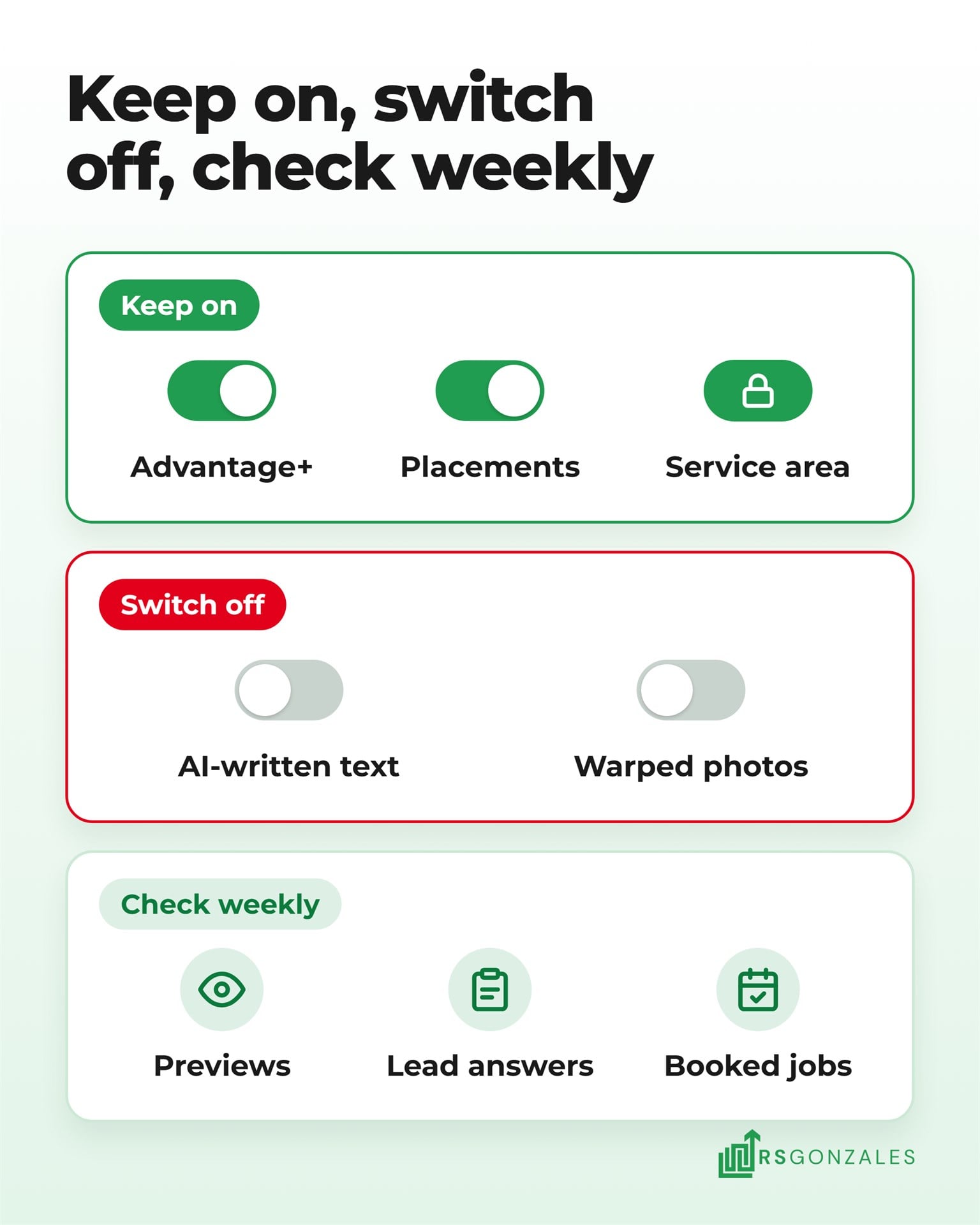
HVAC Facebook advertising works best when Meta’s AI handles delivery and you handle the message. The table lists each default, what to do with it, and why:
| Setting | Meta’s default | What to do | Why |
|---|---|---|---|
| Advantage+ on a leads campaign | On | Keep it on | It is how Meta now delivers lead campaigns |
| Location | You set it | Enter the ZIP codes you serve as a location control | Meta then can’t show the ad outside the towns you work in |
| Audience suggestions | Optional | Add a list of past customers as a suggestion | Gives Meta a better starting point than a blank audience |
| Placements | All on | Keep them on and check booked jobs by placement each month | Switching them off removes the campaign from Advantage+ |
| Text generation and text edits | Some on | Switch off anything that writes words for you | Stops promises your crew can’t keep |
| Image expansion, touch-up, and animation | Some on | Preview each version and switch off any that distort your photos | Keeps your trucks, logo, and technicians looking like themselves |
| Monthly ad budget | You set it | We recommend at least $3,000 a month in ad spend across all channels | Below that, campaigns don’t get enough data to learn from |
Smaller budgets do run on Meta, but Meta’s AI needs enough leads to learn which homeowners book. A $10-a-day campaign might bring only two or three leads a week, too few for Meta to learn from or for you to judge the campaign.
Check four things every week, because each one can change without warning:
- New ad versions. Open each ad’s preview and read anything Meta’s AI wrote or changed.
- Leads by placement. Look for a placement that sends form fills nobody can reach.
- Lead form answers. Read the answers, and stop any campaign sending jobs outside your service area.
- Booked jobs against spend. Count the jobs each campaign booked, not only the leads.
A weekly check like this catches common HVAC ad problems before they spend a whole month’s budget.
HVAC Facebook Ad Examples Written for Meta’s AI Defaults
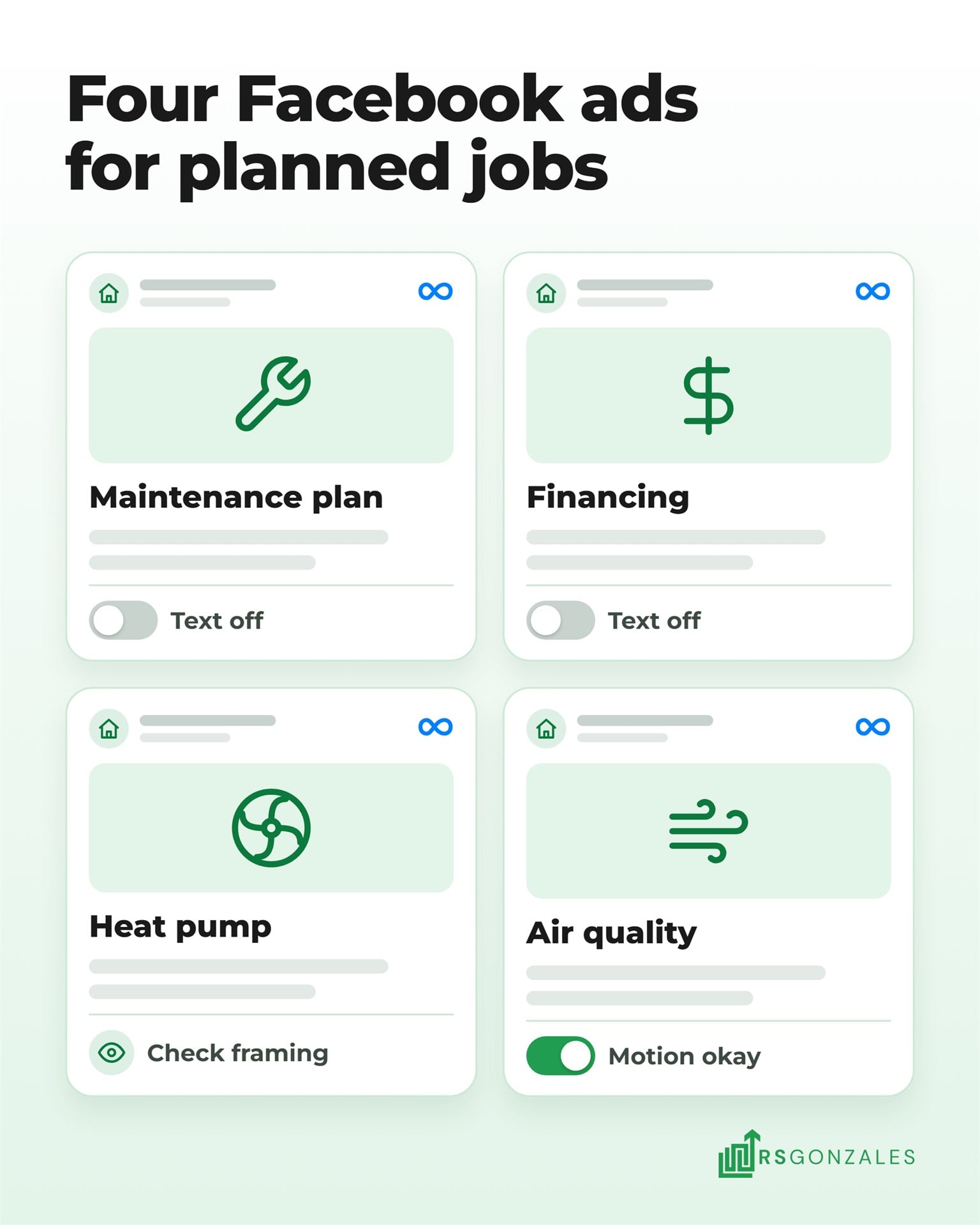
These HVAC Facebook ad examples show what to write and which AI edits to allow, with no results attached. Each one aims at a planned job, the part of a balanced HVAC advertising mix that Facebook handles best. Facebook reaches people before they search. Your own HVAC social media photos often make better ad images than stock photos, and HVAC social media post ideas can double as ad concepts.
Maintenance Plan Sign-Up Ad
A maintenance plan ad asks a homeowner to join before the season starts, while their system still runs.
- The message. “Two tune-ups a year, priority scheduling, and a discount on repairs. Join before the first cold snap.”
- The image. Your technician checking a furnace, with the company logo on the uniform.
- The AI edits. Allow image touch-up, and switch off text generation so the plan terms stay exact.
System Replacement With Monthly Financing Ad
A replacement ad sells the monthly payment instead of the full price.
- The message. “Is your AC over 12 years old? See what a new system costs per month with financing.”
- The image. A clean, finished install at a customer’s home, used with their permission.
- The AI edits. Switch off text edits, because financing terms must match your lender’s offer word for word.
Heat Pump Upgrade Ad
A heat pump ad answers the running-cost question, since the federal heat pump tax credit ended and the price argument changed.
- The message. “Thinking about a heat pump? We’ll show you what it costs to run in your home and which local rebates apply.”
- The image. The outdoor unit beside a home in your area, with your truck in the driveway.
- The AI edits. Preview any image expansion, so the equipment and truck stay in frame.
Indoor Air Quality Ad
An indoor air quality ad speaks to homeowners who notice dust, dry air, or allergies but never search for a fix.
- The message. “Dry air and dusty rooms all winter? A whole-home humidifier or air cleaner can help.”
- The image. The installed unit on a clean furnace, photographed in good light.
- The AI edits. Image animation can work here. Check the preview to make sure the equipment stays sharp.
Facebook Lead Forms or Your Website: Where Should HVAC Facebook Leads Go?
Most HVAC companies should use both kinds of form. Run Facebook lead ads with an instant form inside Facebook or Instagram, and run ads that send homeowners to a form on your website. An instant form opens straight from the ad, with fields already filled in for the homeowner. This table compares the two:
| What you weigh | Instant form on Facebook or Instagram | Form on your website |
|---|---|---|
| Effort for the homeowner | A few taps, with details filled in | A page load and a form to type into |
| Number of leads | Quicker to fill in, so it tends to bring more | More effort, so it tends to bring fewer |
| What the homeowner has seen | Only your ad | Your ad, plus your site, services, and reviews |
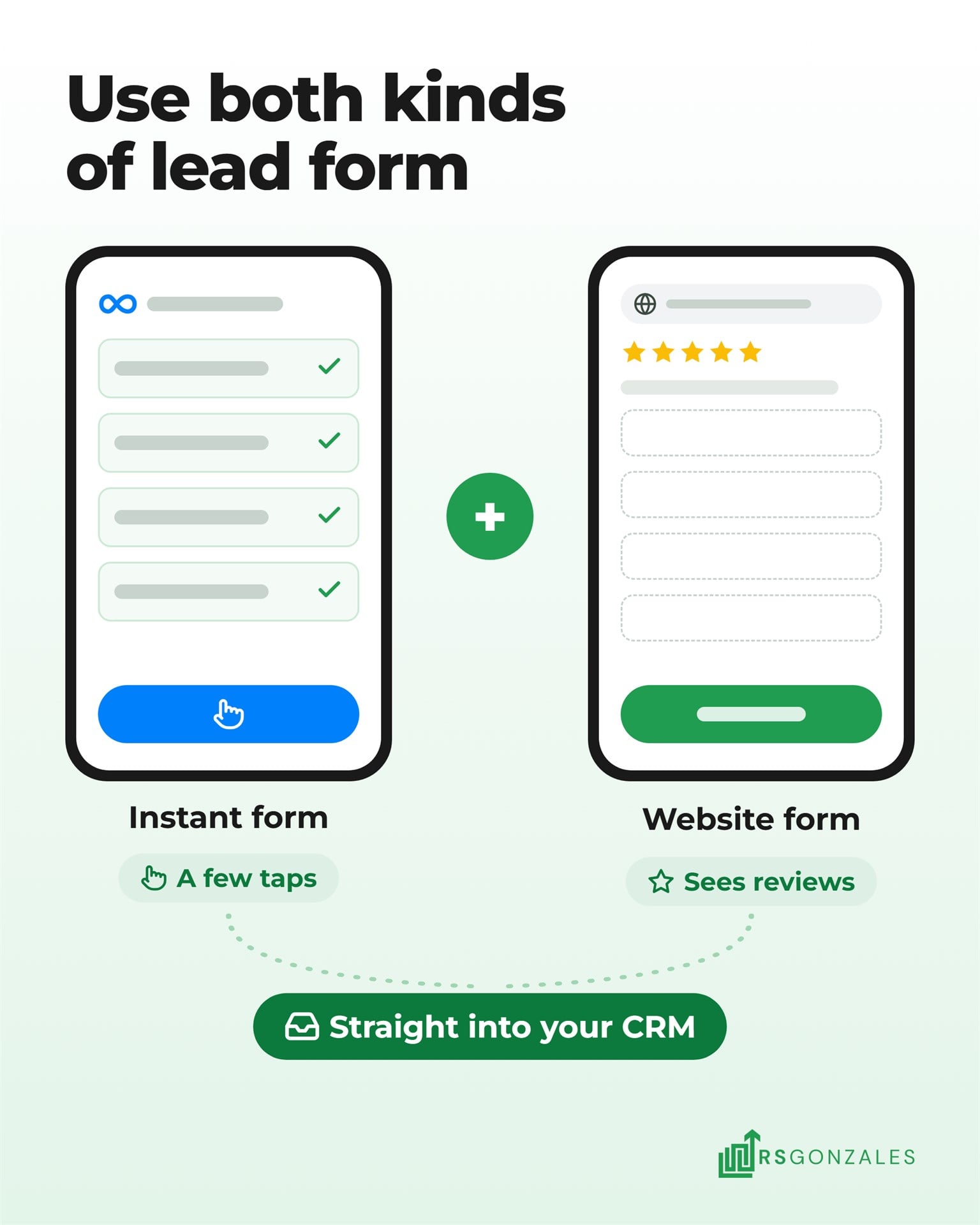
Meta says campaigns that run website forms alongside instant forms “can see a 60% lower cost per lead” than website forms alone. That is Meta’s own figure, so test it in your market before you rely on it. If you use your website, the features that make an HVAC website convert decide how many of those visitors fill in the form.
Either way, the form is only the start. Every lead should go straight into an HVAC CRM that texts and calls the homeowner back. An automated follow-up system keeps those messages going on the days your office is buried in service calls. Speed is the same rule we apply to missed Local Service Ads calls, because a homeowner who waits an hour has often called someone else.
How to Tell Whether Meta Ads Are Booking HVAC Jobs
Your HVAC Facebook ads are booking jobs when the cost per booked job holds up against your other channels. Divide what you spent on Meta by the jobs those leads booked. A cheap lead that never books costs more than an expensive one that does.
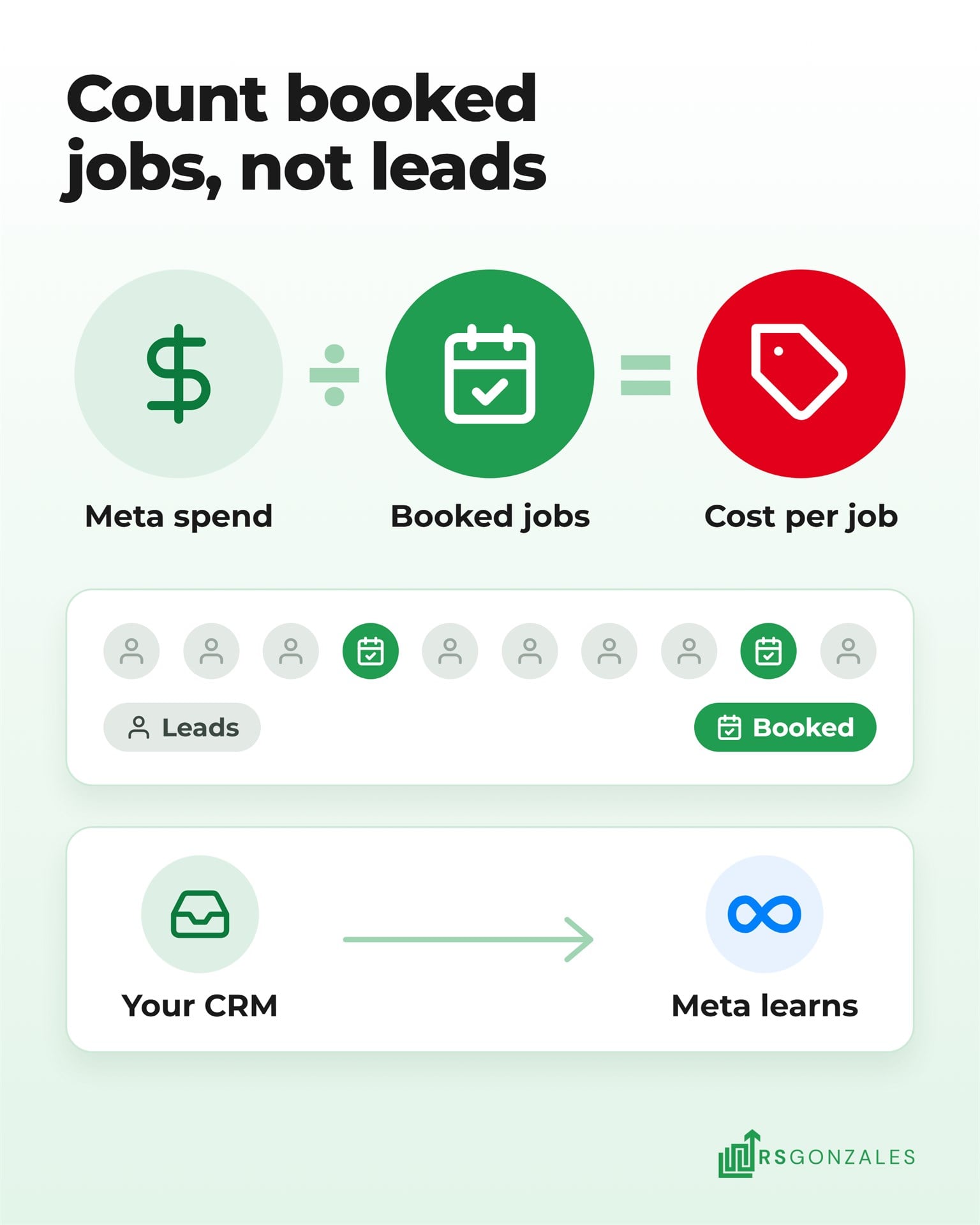
Meta’s AI learns from what you send back. Meta offers a CRM connection that reports which leads became customers, so it can aim future ads at the leads most likely to book. You keep each lead’s status current in your CRM, and Meta reads it.
Compare your Meta cost per booked job with the ranges in our HVAC cost per lead benchmarks for 2026. Judge it over a few months, because replacement shoppers often take weeks to decide.
Should You Run HVAC Facebook Ads Yourself or Hire Help?
Running Facebook ads yourself is possible, since Meta’s AI handles much of the setup. The harder work is the weekly checking, the creative, and the follow-up that turns a form fill into a booked job.
Running Meta Ads Yourself Versus Hiring an HVAC Ad Team
Doing it yourself fits when someone on your team has time each week to review ads and call leads back. This table shows the trade-off:
| What you weigh | The upside of doing it yourself | The catch |
|---|---|---|
| Cost | No management fee, so every dollar goes to Meta | An AI edit nobody checked can waste that money for weeks |
| Time | Advantage+ does most of the first campaign’s setup for you | Previews, lead answers, and booked jobs need a weekly review |
| Learning | You learn how Meta’s AI picks audiences and edits ads | Meta keeps changing its defaults and its terms |
| Control | You choose every word, image, and setting | Meta adds new AI features, and some arrive switched on |
| Reporting | Ads Manager shows leads and cost per lead | Booked jobs only show up when your CRM reports them |
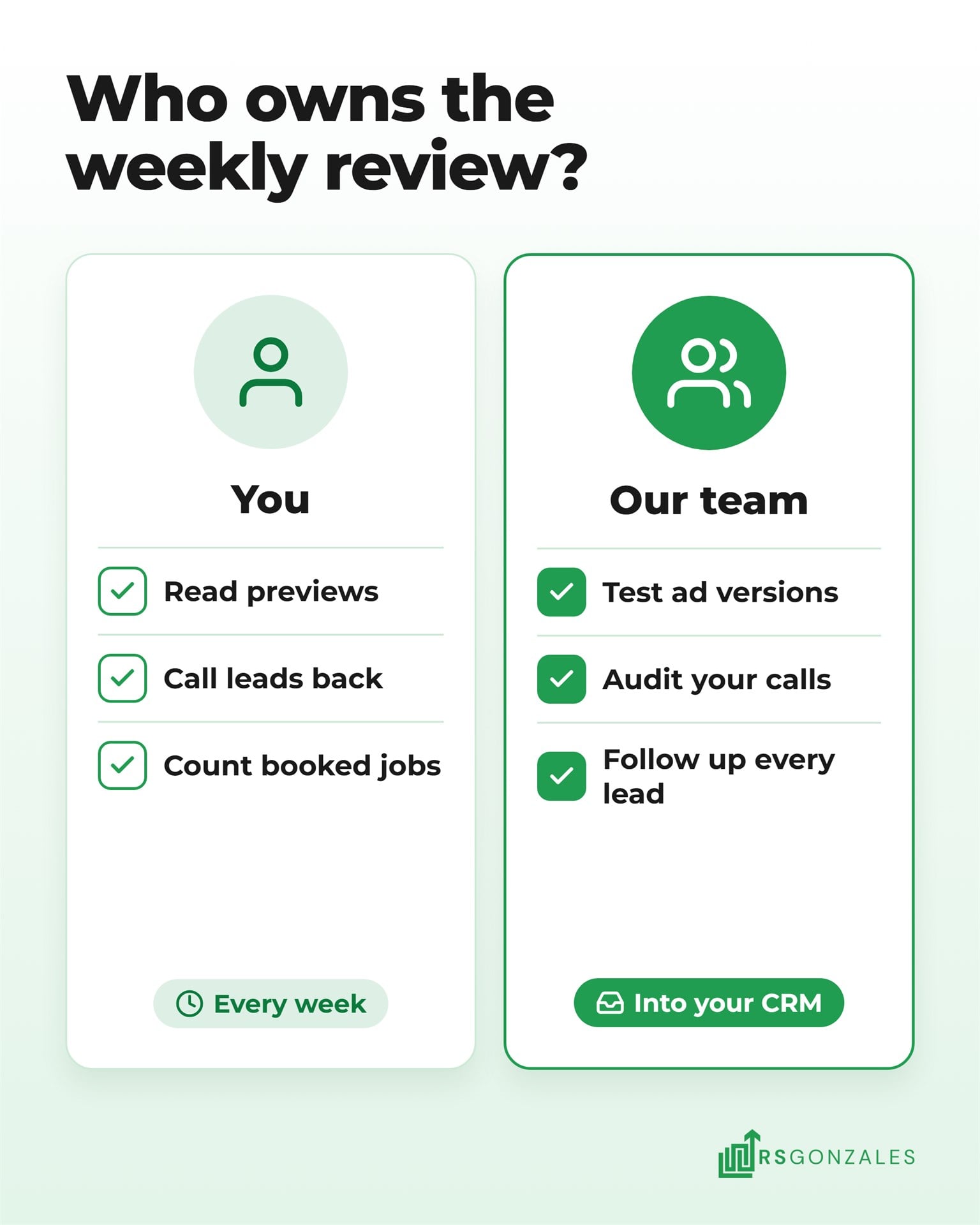
Hand it off when nobody owns the weekly review or when leads sit for hours before a callback. It also makes sense when you can’t tell which campaign booked last month’s installs.
Why HVAC Companies Run Facebook Ads With RS Gonzales
Meta’s AI places the ads. What decides your results is the work around them, and that is what our Facebook and Instagram ads team for HVAC does:
- We test several ad versions at once. We scale the ones that book jobs and cut the rest before they burn budget.
- We listen to your calls. Lead quality gets audited on an ongoing basis, so a campaign sending poor leads gets fixed.
- Every lead gets followed up. Each one goes into your CRM for instant follow-up, with five or six touches when the homeowner needs them.
Our Accelerate plan adds one channel of your choice from Meta, Yelp, or ChatGPT ads, and our Dominate plan runs every channel, Meta included. Your ad spend goes straight to Meta with 0% markup up to your plan’s threshold, as listed on our HVAC marketing pricing page.
What HVAC Owners Should Take Away About Facebook Ads in 2026
Meta’s AI can write and edit your HVAC Facebook ads without you, but only while nobody checks the settings. Let it pick the audience and placements, and lock the location, the words, and the follow-up yourself. The ads that keep booking work are the ads someone reviews each week.
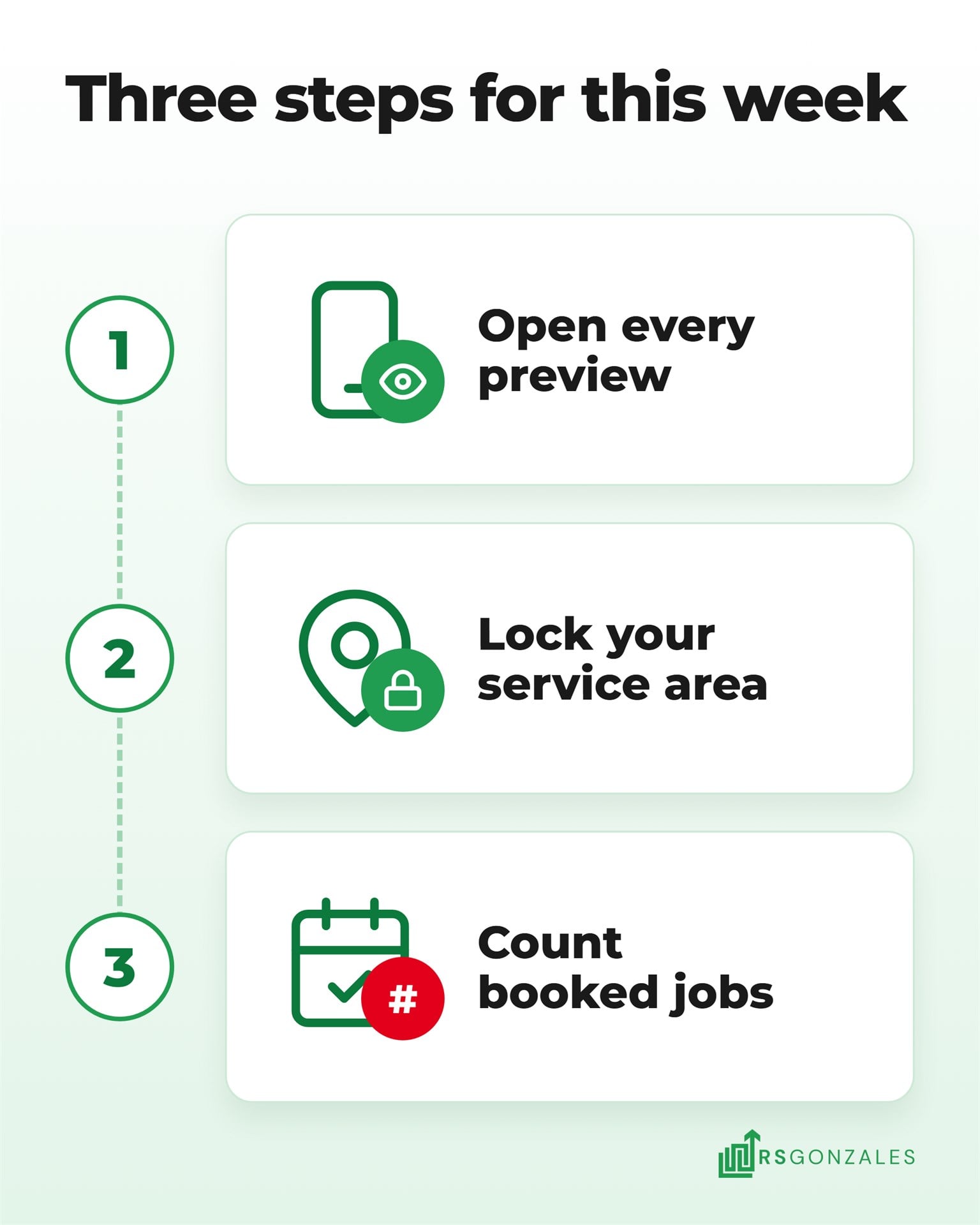
That check works best inside your wider HVAC lead generation system, where Google catches the homeowners already searching and Meta reaches the ones still thinking. Start with these three steps:
- Open every live ad’s preview this week. It shows you exactly what homeowners see now, including any AI edits. In Ads Manager, open each ad and read the text and image versions in the preview.
- Lock your service area in every ad set. It stops Meta’s AI from paying to reach homes your crew can’t get to. Under Locations, add your ZIP codes or a radius around your shop.
- Count last month’s booked jobs from Meta. That number tells you whether the ads earn their budget. Pull every Meta lead from your CRM and mark each lead that became a booked job.
Meta’s AI is good at finding people. It still needs someone who knows your trucks, your crew, and your offers to decide what those people see.